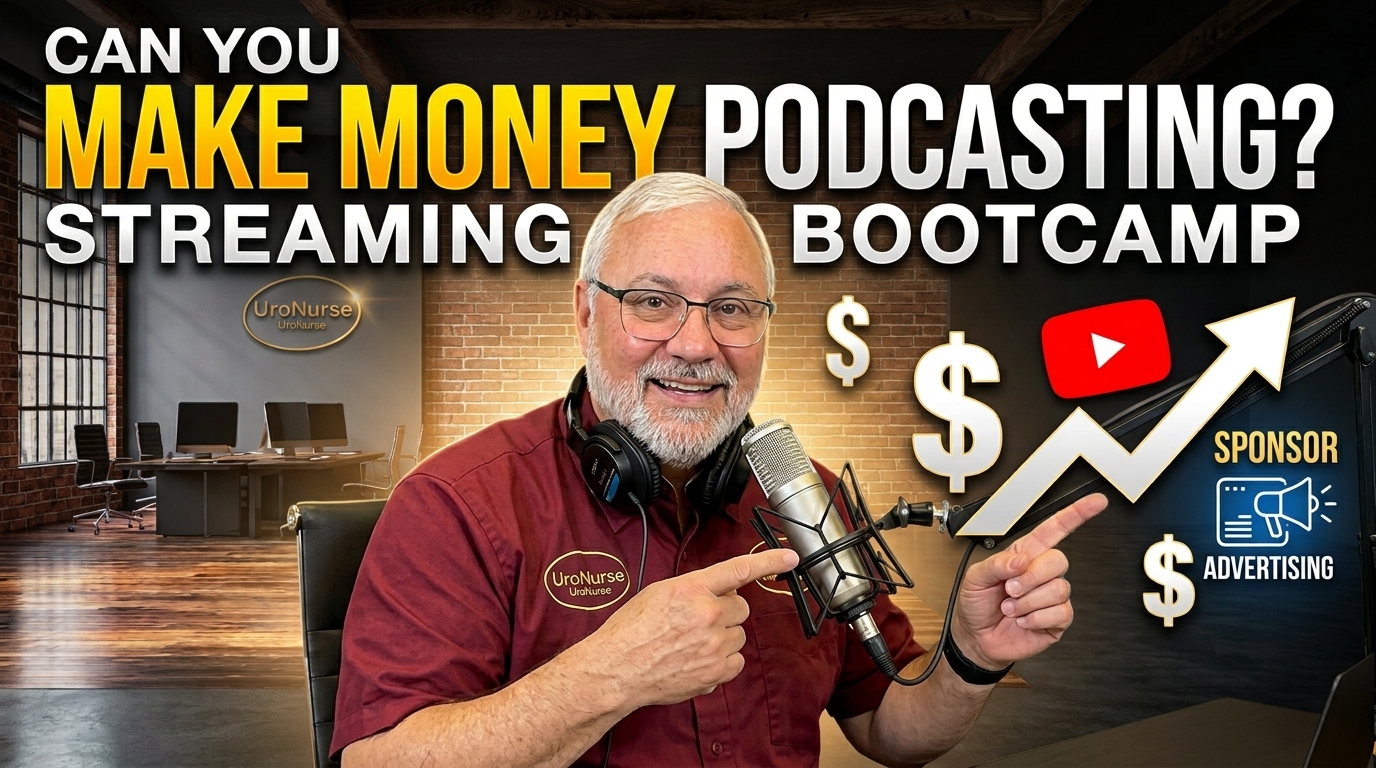
Bootcamp Episode 27: Can You Make Money Podcasting? How to Turn Your Podcast Into Income
Can you really make money podcasting? The answer is yes—but building a successful podcast takes more than simply turning on a microphone and recording.
In this episode of Streaming Bootcamp, podcaster Vic Senese takes a practical look at the business of podcasting and explores how creators can build an audience, develop a recognizable brand, distribute content across multiple platforms, and create potential revenue opportunities.
Podcasting has evolved dramatically. Today, creators can use YouTube, streaming platforms, social media, newsletters, websites, clips, podcasts, and other digital channels to reach audiences in ways that weren't possible just a few years ago.
But where does the money come from?
In this episode, we explore the different ways podcasters can potentially monetize their content—including sponsorships, advertising, memberships, affiliate marketing, YouTube monetization, premium content, partnerships, and building a business around your expertise and audience.
WHAT YOU'LL LEARN
🎙️ Can you make money podcasting?
We'll look at the realities of podcast monetization and what it takes to turn an audience into a sustainable opportunity.
📈 How to grow a podcast audience
Discover strategies for creating consistent content and reaching viewers and listeners across multiple platforms.
💰 Podcast monetization strategies
Explore sponsorships, advertising, YouTube revenue, memberships, affiliate opportunities, partnerships, and other potential income streams.
🎥 Podcasting on YouTube
Learn why video has become an important part of podcasting and how YouTube can help podcasters reach new audiences.
📱 Stream across multiple platforms
Your podcast doesn't have to live in just one place. Learn how streaming and repurposing content can help extend the reach of each episode.
🎯 Build your personal brand
A podcast can become more than a show. It can help establish your expertise, create professional relationships, and build a community around your content.
🤝 Attract sponsors
Learn what makes a podcast attractive to potential sponsors and why audience engagement and a clearly defined niche can matter.
PODCASTING IS MORE THAN A MICROPHONE
One of the biggest lessons for new podcasters is that the microphone is only one piece of the puzzle.
Successful podcasting involves content strategy, branding, video, audio, thumbnails, titles, search engine optimization, social media, audience engagement, consistency, and distribution.
That's where Streaming Bootcamp comes in.
Hosted and presented by podcaster Vic Senese, Streaming Bootcamp is designed to share practical information about the tools, technology, strategies, and lessons that can help creators improve their livestreams, podcasts, YouTube channels, and digital content.
Whether you're thinking about starting a podcast, already have a podcast, are trying to grow your YouTube channel, or want to understand how creators can potentially monetize digital content, this episode provides plenty of ideas to consider.
👉 Subscribe to Steaming Bootcamp for more tutorials, editing tips, and content creation strategies:
https://www.youtube.com/@UroNurse1
The comment box is live on StreamYard, YouTube, Facebook,and LinkedIn.
*The expert's opinions in this communication are personal and not representative of any organization. They are for informational purposes only, not official guidance. Viewers are advised to use their judgment, seek additional advice, and take responsibility for any actions based on these opinions.