
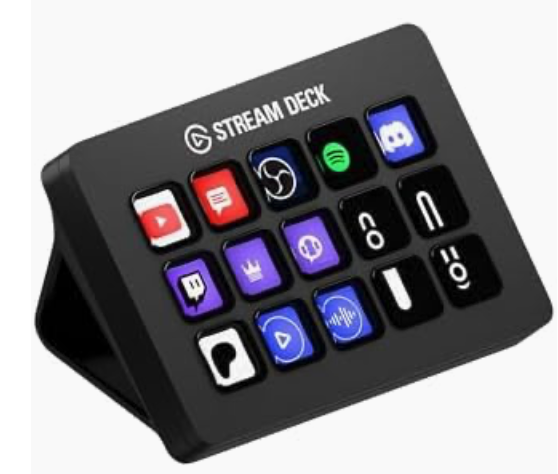
Click above to view using our Amazon affiliate link
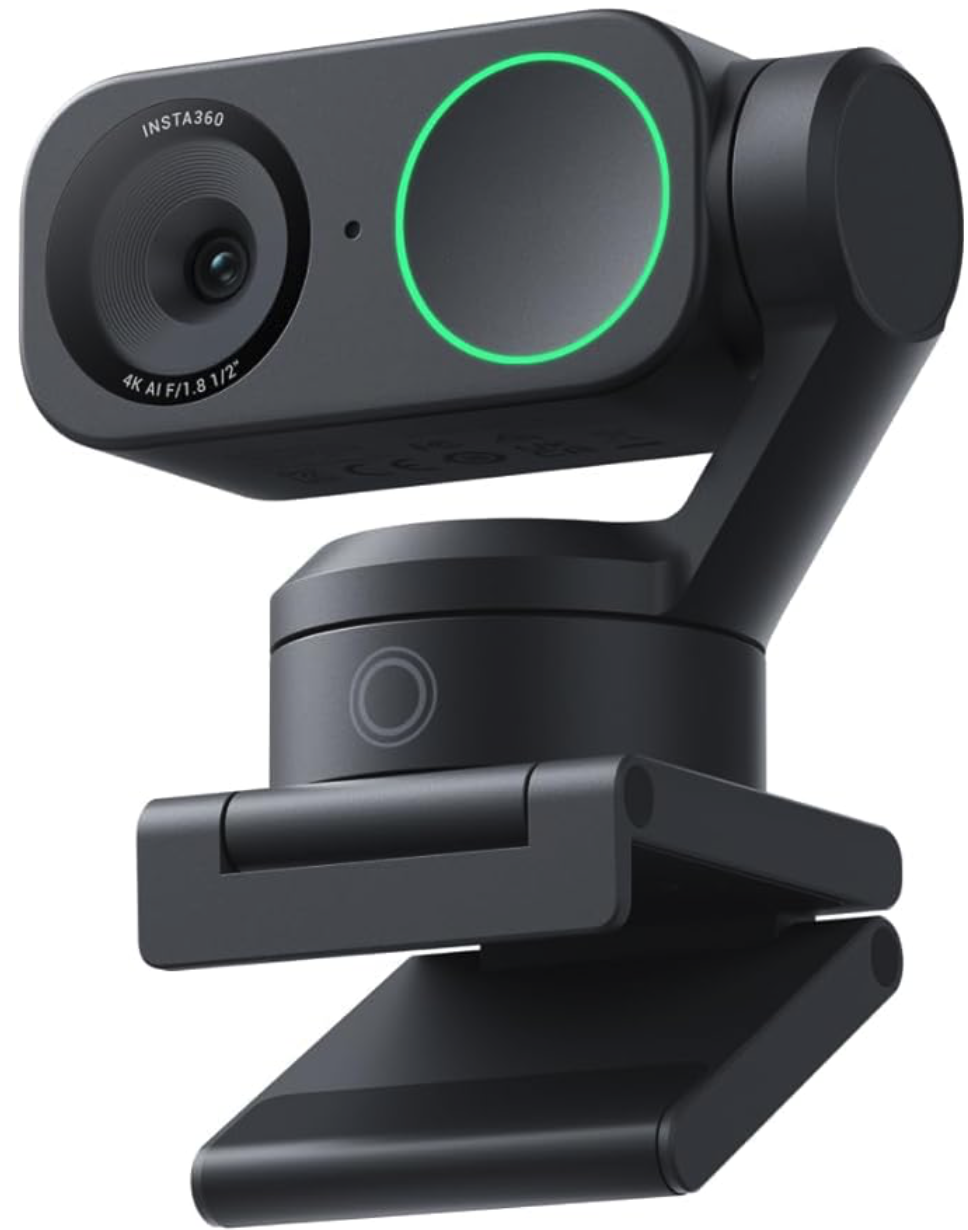
Click above to view using our Amazon affiliate link
Running a podcast alone doesn’t mean your show has to look simple. In this episode of Streaming Bootcamp, host and podcaster Vic Senese shows you how to set up multiple scenes for a one-man podcast so your show looks polished, dynamic, and professional—even when you're the entire production team.
Whether you're using OBS, PTZ cameras, or a single camera setup, scene switching can dramatically improve the visual quality of your podcast. Instead of a static shot for the entire episode, you can create the feeling of a multi-camera production by designing several scenes that you can easily switch between during your recording or livestream. In this episode, Vic explains how to build a simple workflow that allows solo podcasters, educators, and content creators to run a professional show without needing a producer or technical crew.
You’ll learn how to:
• Design multiple podcast scenes for a one-person workflow
• Create different camera angles using a single camera or PTZ camera
• Use wide, medium, and close shots to add visual variety
• Set up intro, teaching, and conversation scenes
• Organize overlays, titles, and graphics for quick switching
• Improve viewer engagement by avoiding the “static shot” problem
• Build a repeatable scene layout that works every episode
Vic also shares practical advice learned from producing multiple podcasts—including UroNurse, UroPatient, and Streaming Bootcamp—showing how small visual improvements can make a huge difference in audience retention and professionalism. If you're a solo podcaster, educator, coach, or content creator, mastering scene setup is one of the easiest ways to elevate your show and make it look like a full production—even when it's just you behind the microphone.
👉 Subscribe to Steaming Bootcamp for more tutorials, editing tips, and content creation strategies: https://www.youtube.com/@UroNurse1
The comment box is live on StreamYard, YouTube, Facebook,and LinkedIn.
*The expert's opinions in this communication are personal and not representative of any organization. They are for informational purposes only, not official guidance. Viewers are advised to use their judgment, seek additional advice, and take responsibility for any actions based on these opinions.
Bootcamp Episode 19: Step-by-Step Insta360 Guide: Look Amazing in Every Show
Bootcamp Episode 18: Stream Deck Tips for Podcasters: Faster, Smoother Podcast Production
Bootcamp Episode 17: Finding Your Voice: Big StreamYard Updates You Need to Know About
Bootcamp Episode 16: Finding Your Voice: How to Develop a Podcasting Persona
Bootcamp Episode 15: Creating Shorts and Reels with StreamYard: Boost Your Reach Instantly!
Bootcamp Episode 14:Promote Your Podcast Smarter with AI Tools
Bootcamp Episode 13: Launching a New Podcast
Bootcamp Episode 12: Using a Green Screen
Bootcamp Episode 11: Using AI to Build Your Podcast Faster & Smarter
Bootcamp Episode 10: Streaming Questions Answered Live!
Bootcamp Bootcamp Episode 9: Insta360 Link – My Honest Review!
Bootcamp Episode 8: Editing Made Easy with Screenflow
PowerPoint Recording Made Easy – Create Stunning Presentations!
Using ChatGPT to Create Slides
Creating a Podcast, a How to Guide
Why I use Streamyard to Host My Shows
Microphone Choices for Podcasting
What Camera Should I Use for Video?
Framing and Lighting: Best Practices for Your Podcast
Copyright © 2024 · All Rights Reserved · Senese Express, Inc.